Engineering
Product Families, CAD, STEP import, BOM, drawings.
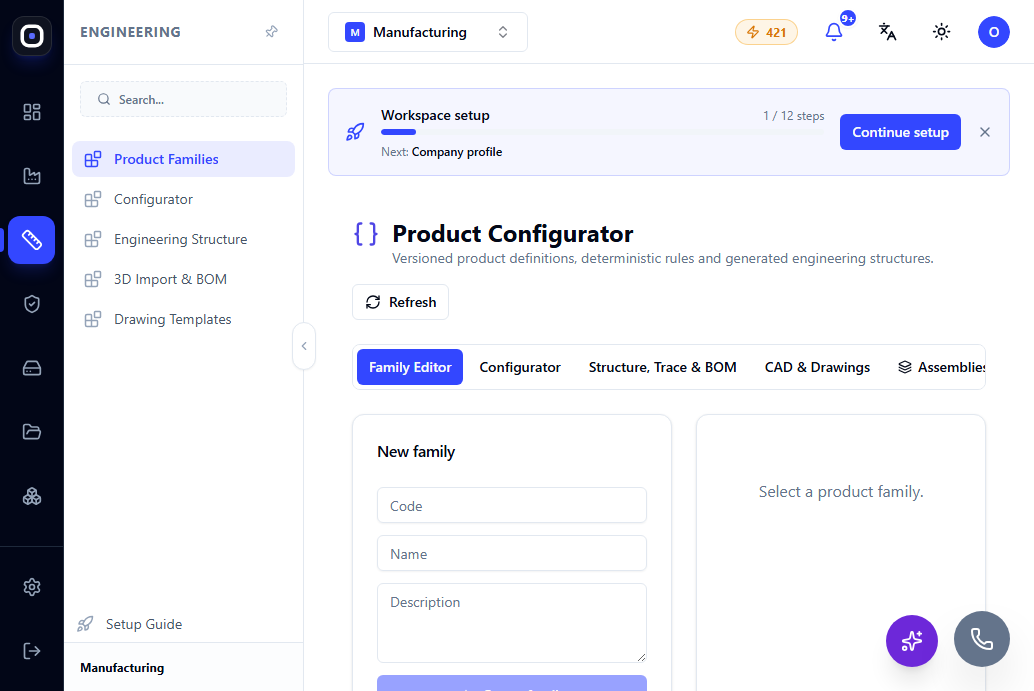
Product Families: parametric products
A Product Family is a parametric 'recipe' for a product: code, name, versions, and a set of parameters/features/rules from which the system generates specific configurations.
1 min read · 2026-10-12
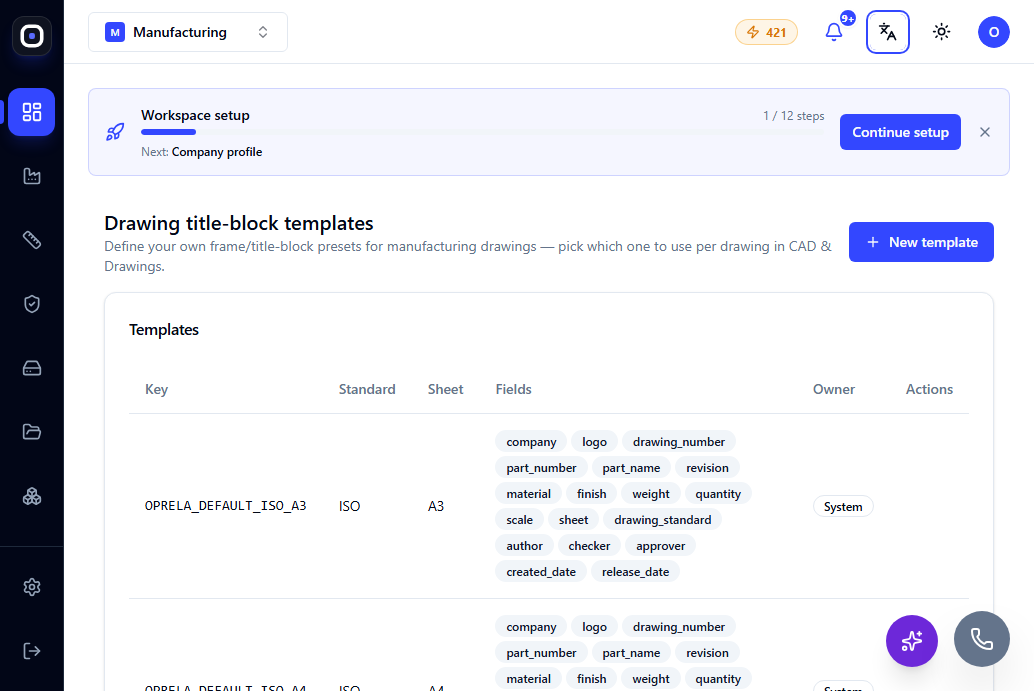
Drawing Templates
A drawing template defines the appearance of the title block, branding, and standard notes on every automatically generated drawing — configured once for the entire workspace.
1 min read · 2026-10-12
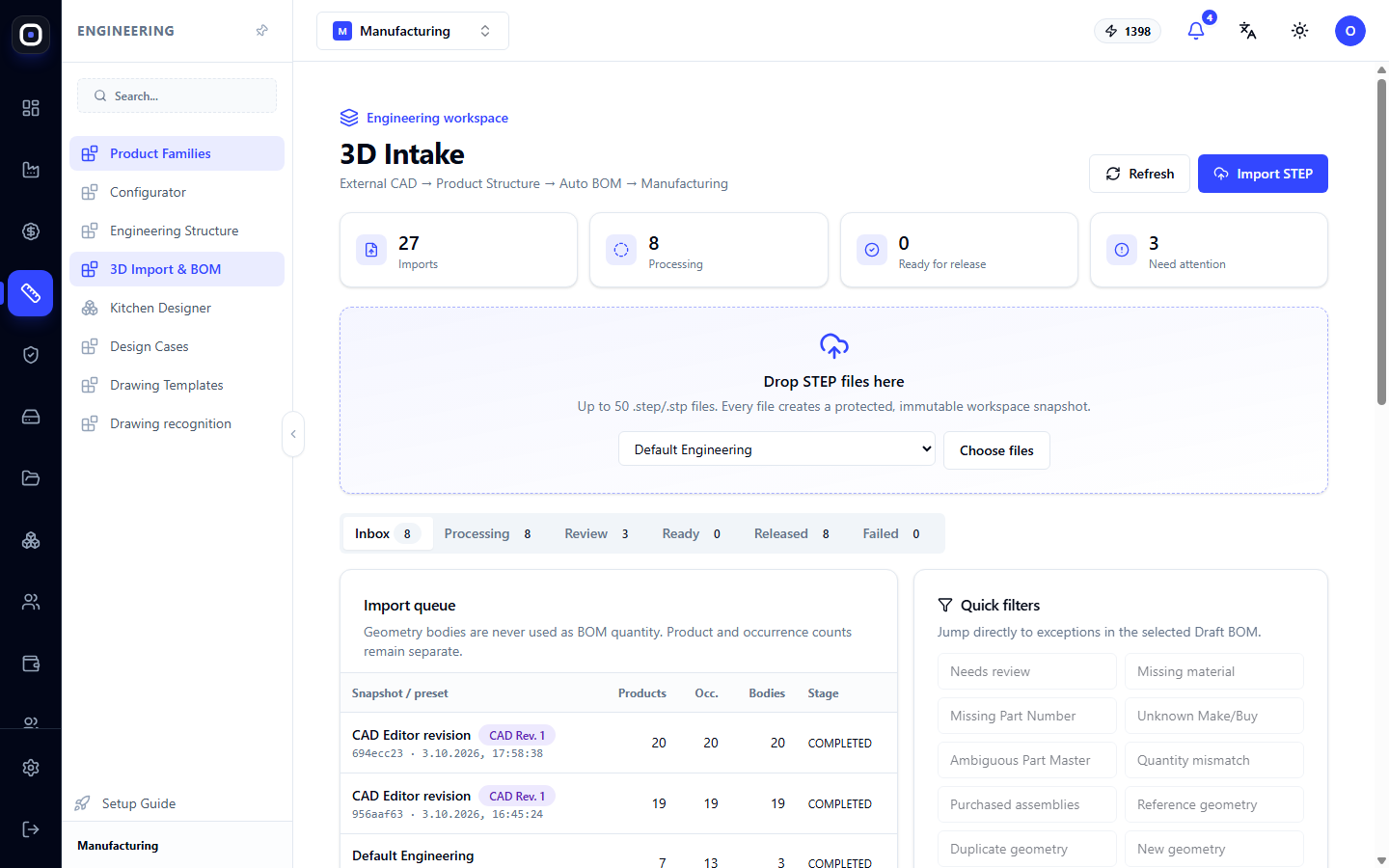
3D Import: How to Get a Specification for Production from a STEP Model
You upload a model from the designer, and the system breaks it down into assemblies and parts, counts quantities, and prepares a draft specification. Import stages, quick problem filters, and pre-release checks.
1 min read · 2026-10-12
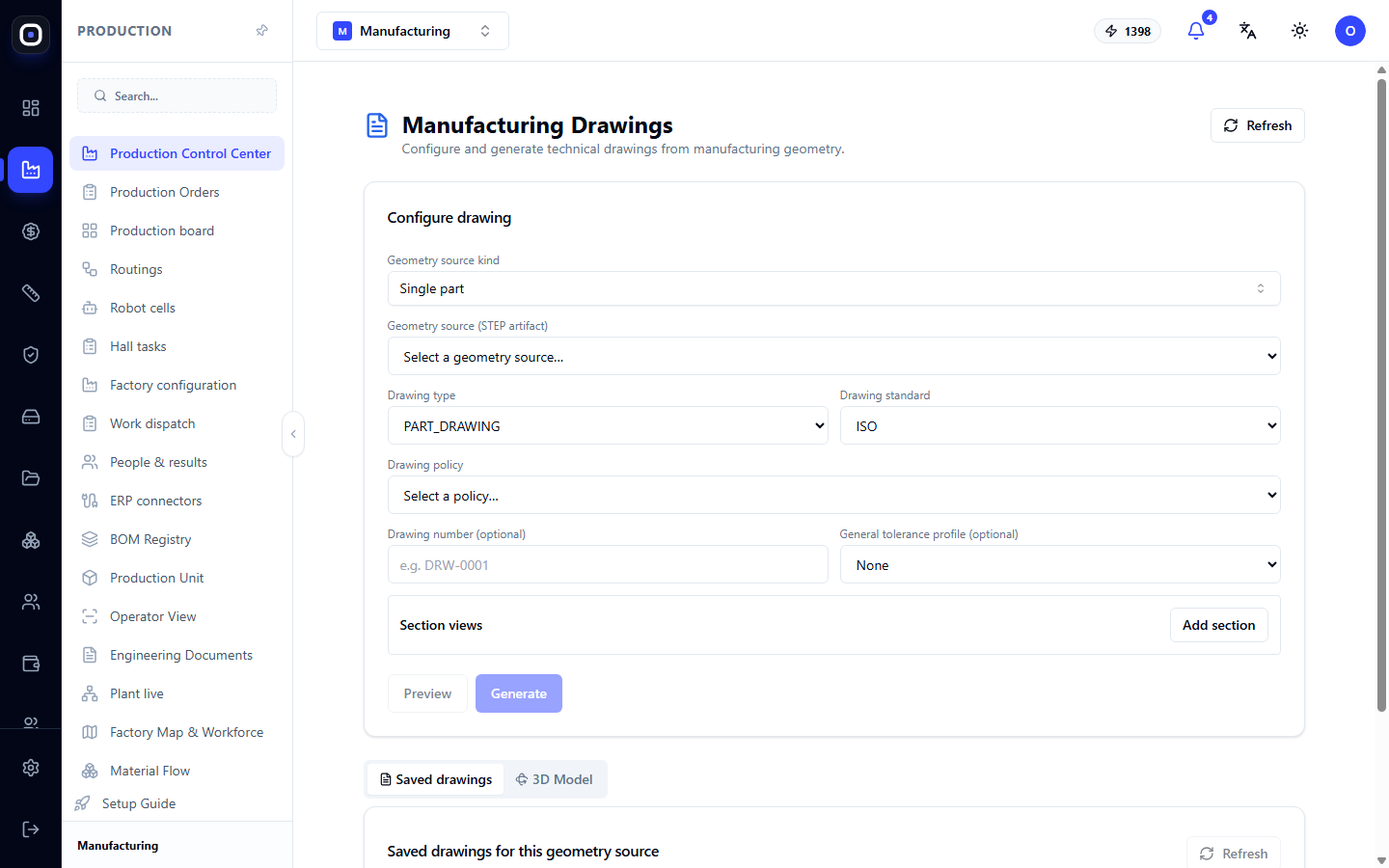
Manufacturing Drawings: How to Get a Technical Drawing from a 3D Model
The system automatically generates part or assembly drawings from manufacturing geometry. Learn how to select the source, type, and standard, add sections, preview the result, and save the drawing with a number.
1 min read · 2026-10-12
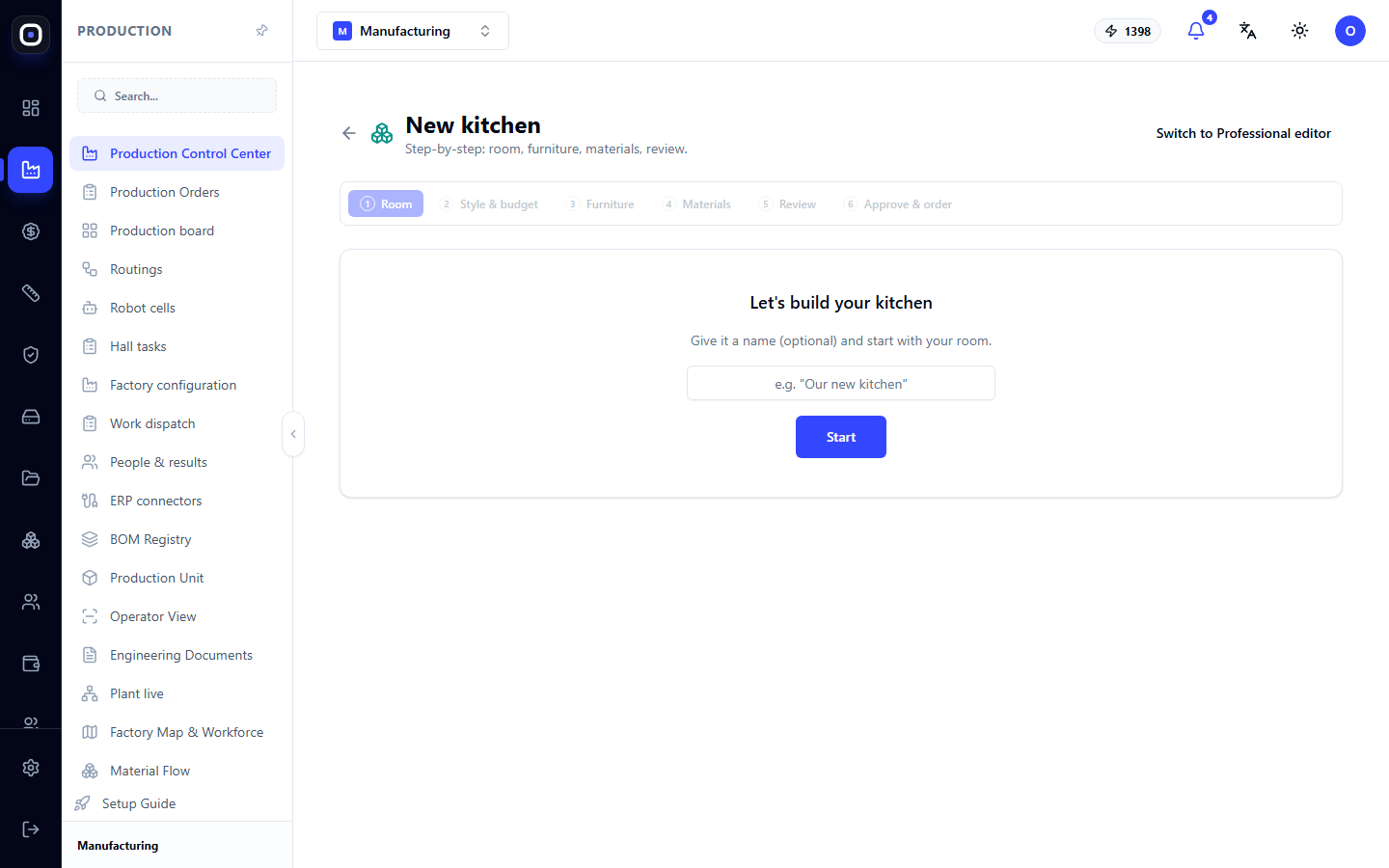
Kitchen Designer: From Room Plan to Production Specification
Two kitchen design modes: a six-step wizard and a professional editor with modules, room plan, 3D view, and production release.
1 min read · 2026-10-12
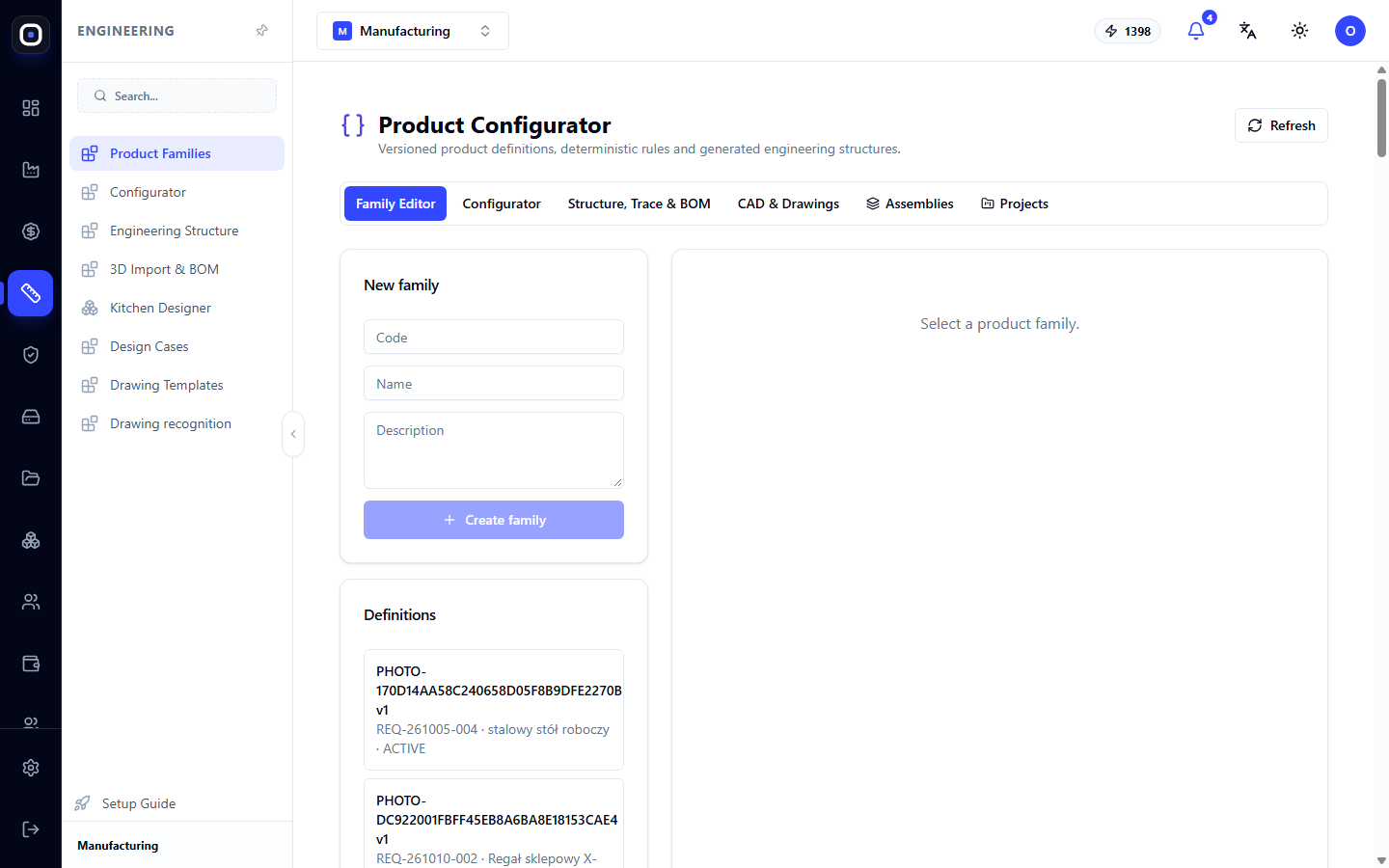
Product Configurator: Product Families, Rules, and Variants Without New Drawings
Describe a product family once with parameters and rules, then get any variant with a ready-made structure, bill of materials, and model. Six configurator workspaces.
1 min read · 2026-10-12
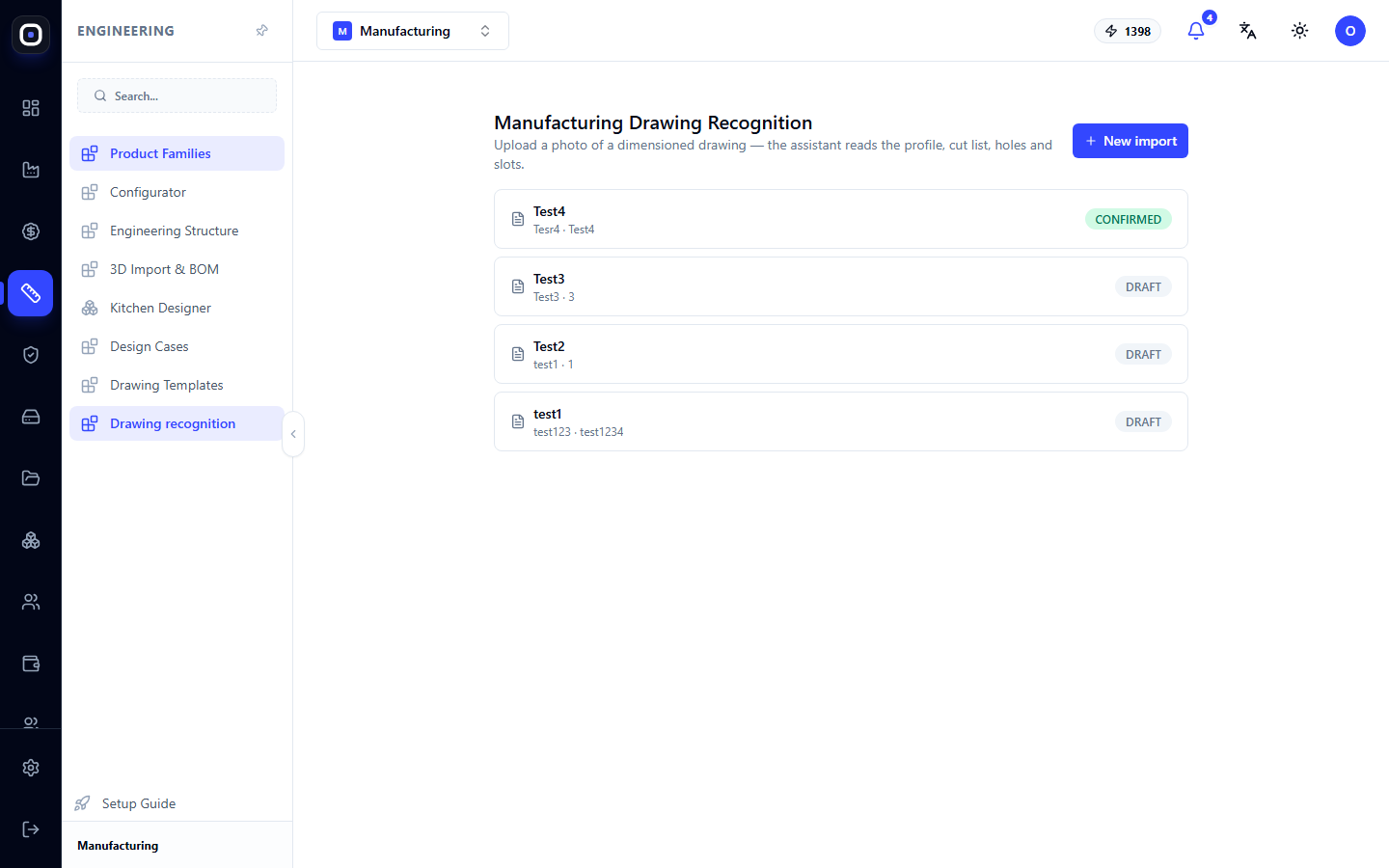
Manufacturing Drawing Recognition: From Drawing Photo to Machine Data
Upload a photo of a dimensioned drawing, and the assistant will recognize the profile, cutting length, holes, and slots. You review and confirm the result, after which the data can be used in production.
1 min read · 2026-10-12