Oprela Manufacturing for the Shop Floor Worker: Oprela Floor App
Tasks, drawings, and 3D models on a kiosk near the machine or on a personal phone. Login with card, QR, or PIN, clock-in, part scanner, pause with reason, timesheet, and vacations. Works even without internet.
The best manufacturing system is worthless if the people on the shop floor don't use it. That's why the worker interface in Oprela is built on one rule: a person in gloves at a machine should be able to figure it out in a minute.
The Oprela Floor app works on two types of devices: on a shared kiosk (tablet or screen in the area) and on the worker's personal phone.
Login in a Second
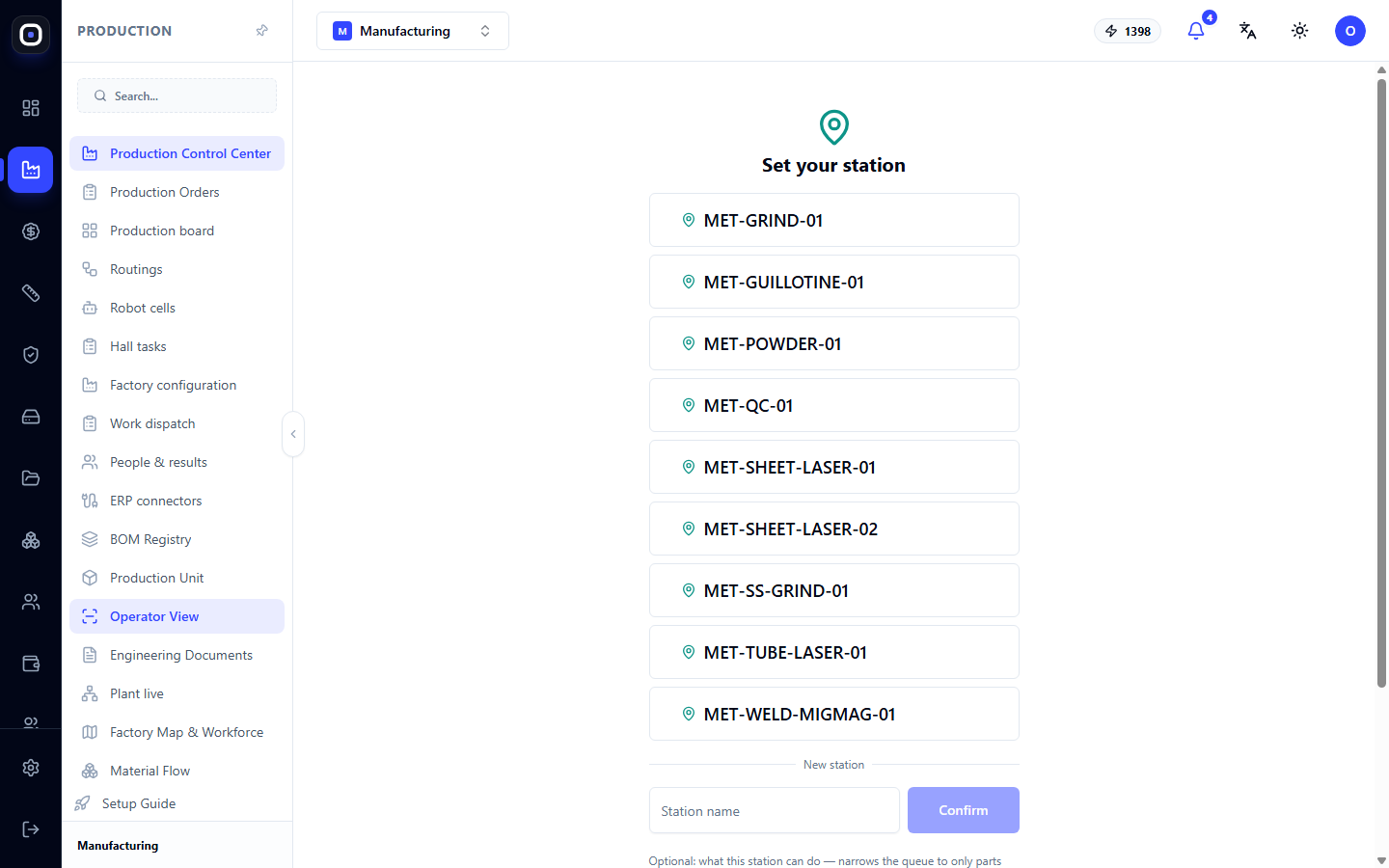
Workers log in with a card, QR code, or PIN. No logins and passwords, no "I forgot my password." On the kiosk, you can clock in and out — this immediately goes into the timesheet.
My Work
After logging in, the person sees only their tasks: what to do now, what's next, and the plan for tomorrow. For each task:
- Drawings and 3D model of the part — no need to go to the foreman or search for a folder.
- Parts for the assembly and where they are located — an assembler or welder sees which parts are needed and on which shelf in the warehouse or where in the hall to find them.
- Start, pause, complete — with one tap. When paused, the worker chooses a reason: no material, waiting for drawing, breakdown. The foreman sees this immediately.
- Scanner — scanning a part's label opens its task and records that the part has completed the operation.
Works Without Internet
Poor connectivity is common on the shop floor. Oprela Floor saves work on the device and syncs it as soon as a network connection is available. The person doesn't wait for it to "load" and doesn't lose recorded operations.
Timesheet, Schedule, and Vacation
On their phone, the worker sees their own timesheet, shift schedule, and can submit a vacation request or report sick leave. Less paperwork and fewer questions for HR.
What the Worker Doesn't See
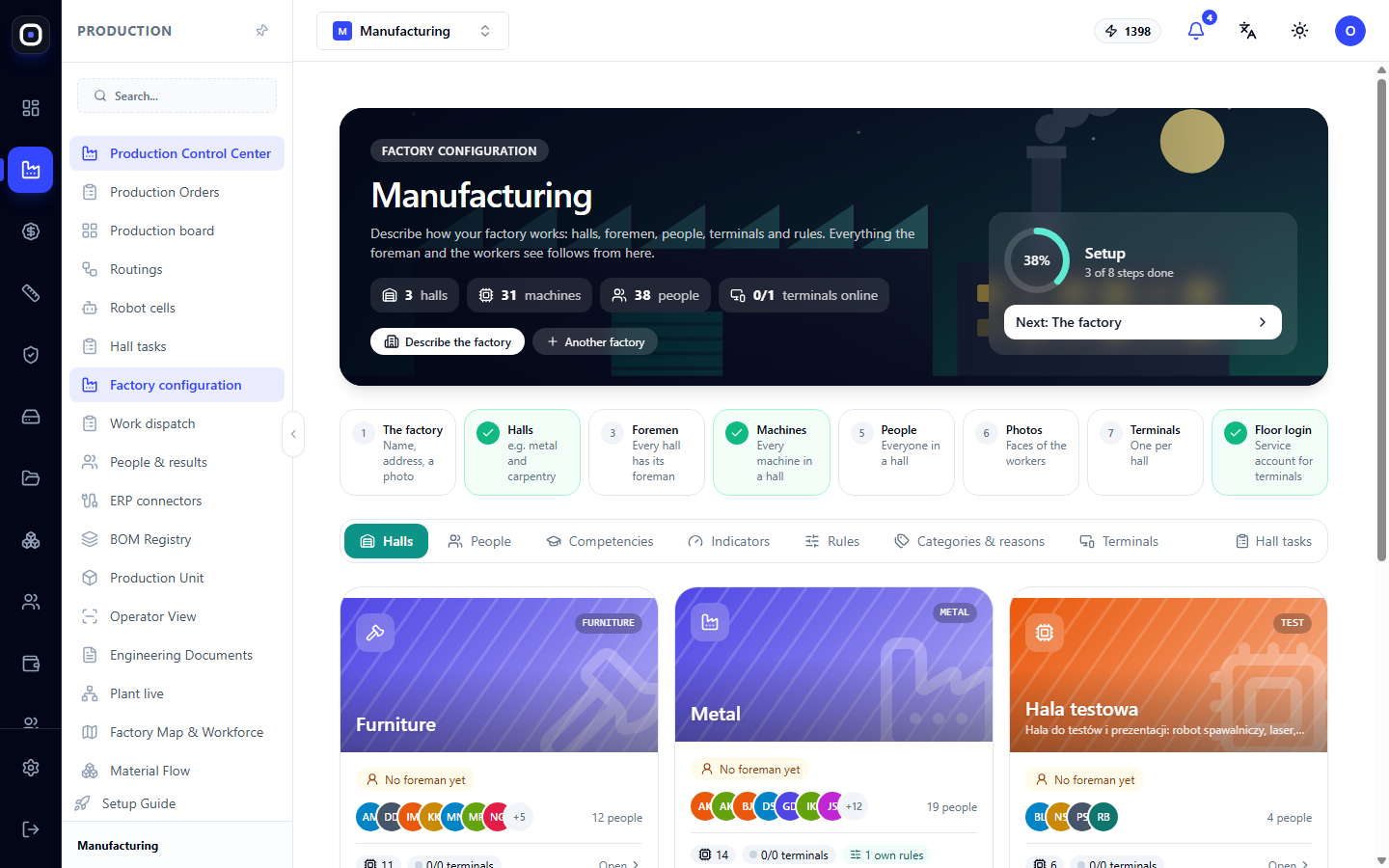
Prices, cost, norms, others' results, and colleagues' bonuses — not for the shop floor. Everyone sees only what is necessary for their work. Permissions are configured in the factory settings.
Why This is Good for the Worker, Not Just Management
- No need to look for the foreman to find out the next task.
- Drawings are always up-to-date — no one reworks a part due to an old sheet.
- Downtime with a reason is immediately visible: "waiting for material" no longer looks like "doing nothing."
- Completed work is recorded, meaning it's accounted for in results and bonuses.