Quality Management: Inspections, Defects, Non-conformities, Rework, and Scrap
One section for everything related to quality: seven dashboard metrics, inspections, defect log, non-conformities with resolutions, rework, and scrap with approval.
Quality in manufacturing is not just about "checked and stamped." It's a chain of decisions: what was inspected, what was found, what was decided to be done about it, and whether it was done.
The Quality Management page tracks this chain from beginning to end. Under the heading, everything it covers is listed: inspections, defects, non-conformities, rework, scrap, and tracked resolutions. The last two words are the most important: for each resolution, it's clear who made it and why.
Where to find the page
In the sidebar menu, open the Quality section. The page address ends with …/erp/quality.
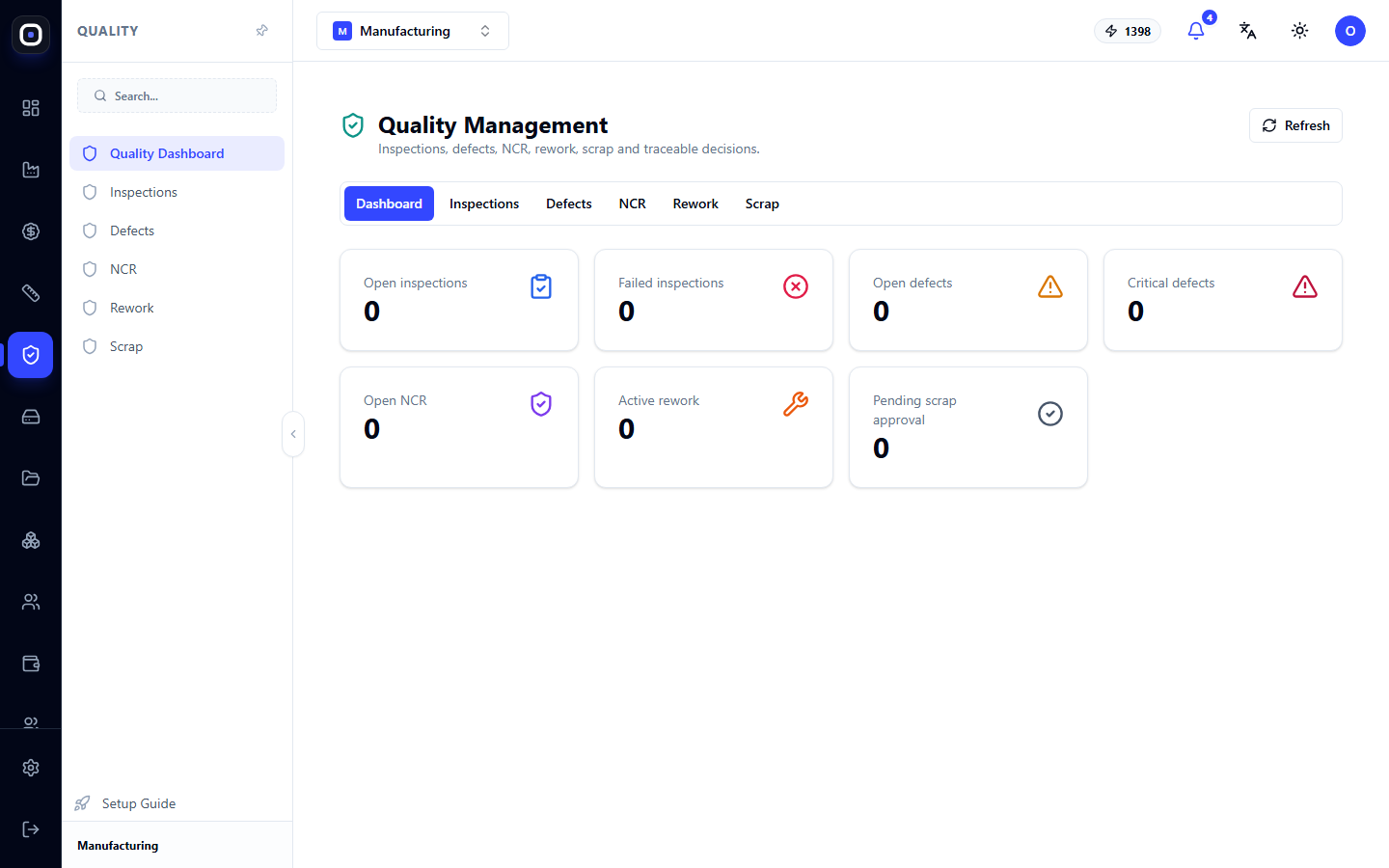
The page has six tabs: Dashboard, Inspections, Defects, Non-conformity (NCM), Rework, Scrap. The Refresh button reloads the data, and on the working tabs, there is a New button to create a record.
How the six tabs are related
Before looking at the tabs individually, it's worth seeing the overall path.
- Inspection — a quality controller examines a part or a batch.
- If something is wrong, they record a defect: what exactly was found.
- A serious or recurring defect is documented as a non-conformity. This is no longer a "scratch," but an issue that requires a resolution.
- The resolution is one of two: rework (fix it) or scrap (write it off).
Not every inspection ends in a defect, and not every defect becomes a non-conformity. But if there is a problem, it follows this path and is not lost anywhere.
Dashboard tab
Seven tiles show the current quality status.
- Open Inspections — assigned but not yet performed.
- Failed Inspections — those that ended negatively.
- Open Defects — recorded and not closed.
- Critical Defects — the most serious of the open ones.
- Open Non-conformities — awaiting resolution.
- Active Rework — parts currently being fixed.
- Scrap Awaiting Approval — proposed write-offs that no one has approved yet.
Zeros on all tiles mean there are no open quality issues. A non-zero tile is a list of tasks: open the corresponding tab.
Special attention should be paid to the last two. Rework that hangs for weeks holds up an order. Scrap without approval means the part is no longer used, but a replacement has not yet been initiated.
Inspections tab
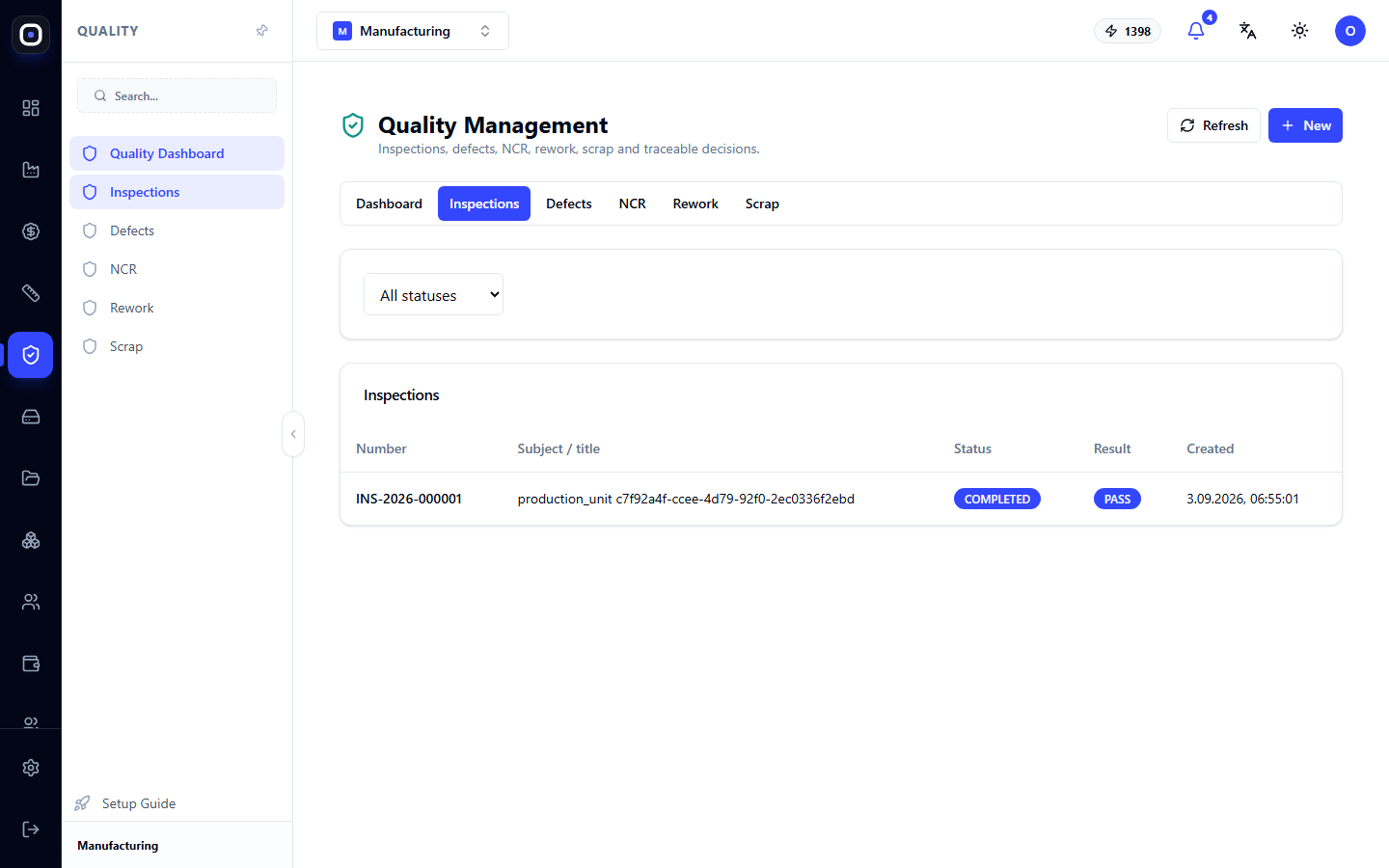
A table of inspections: number, what is being inspected (to which production unit it is linked), status, result, and date. Above the table is a filter by status.
An inspection appears in two ways:
- automatically, when a routing step is marked "Quality control required." As soon as an operator completes such a step, an inspection is already waiting for the quality controller;
- manually, using the New button, when something needs to be inspected unplanned.
The inspection result is recorded by the quality controller. If an inspection fails, the unit will not proceed to the next operation until the issue is resolved.
Defects tab
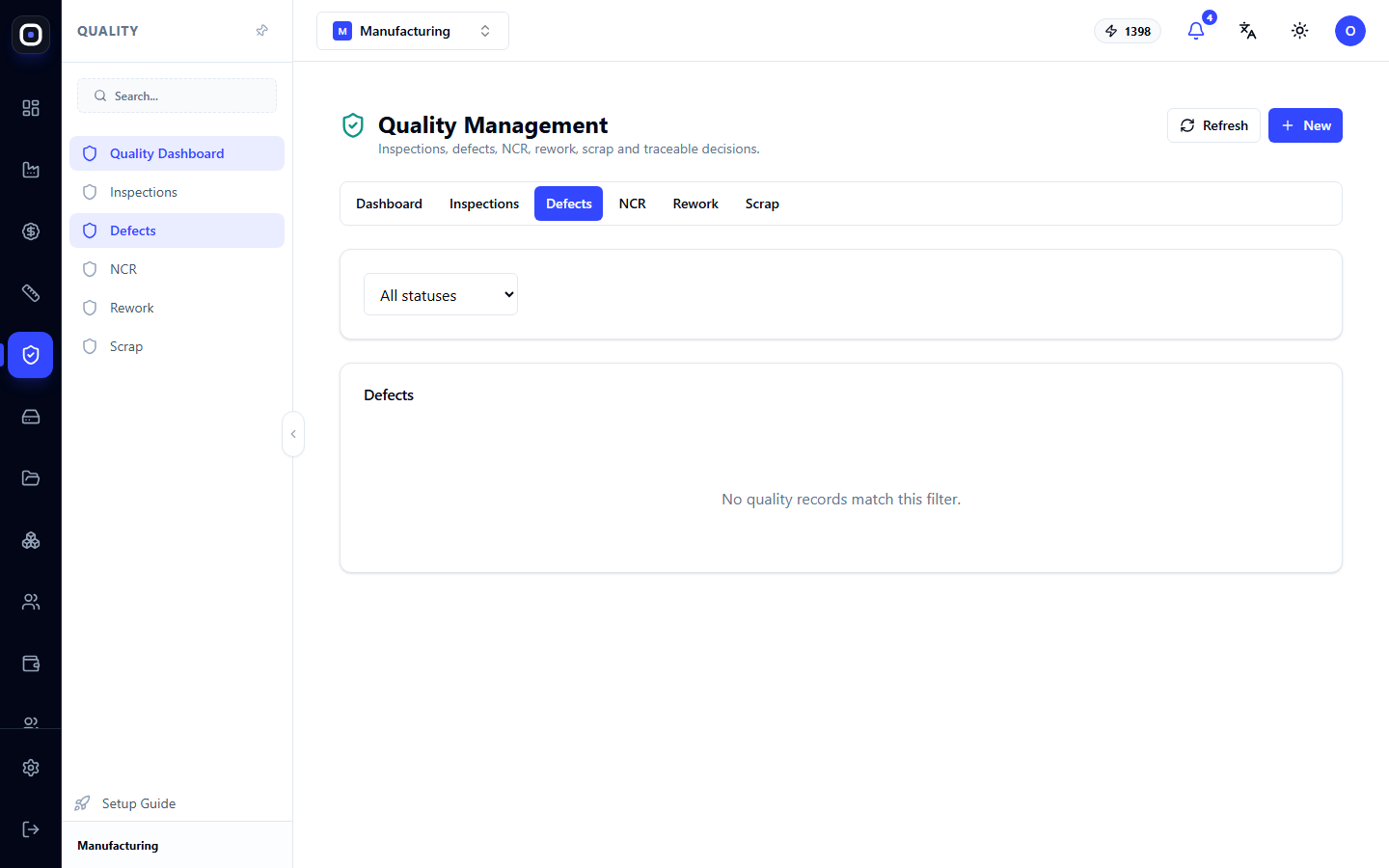
A log of everything found. Each defect has a description, severity, and a link to the unit and the inspection during which it was found.
If there are no records yet, the tab will say so. A new defect is created using the New button.
Record even minor defects. Once is a coincidence, but ten times on the same machine is already a pattern that is only visible from the log.
Non-conformity (NCM) tab
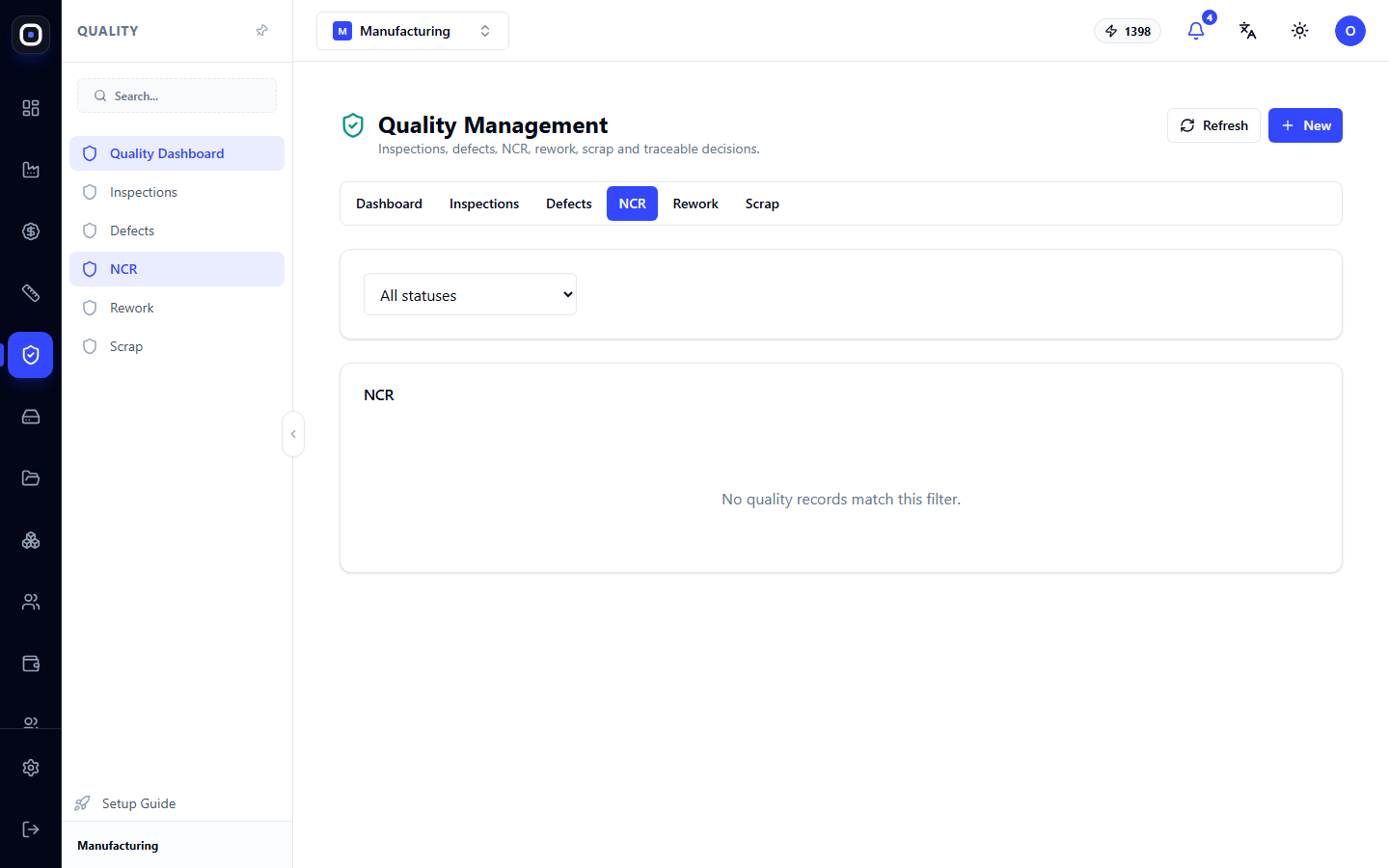
A non-conformity is a formal record that a product does not meet requirements, and what has been decided to do about it. In international practice, such a document is called an NCR.
A non-conformity records:
- what exactly does not conform and to which requirement;
- resolution: use as is, rework, scrap, return to supplier;
- who made the decision and why.
A non-conformity is closed only when the resolution is implemented. Therefore, open non-conformities are real unfulfilled obligations, not just paperwork.
Rework tab
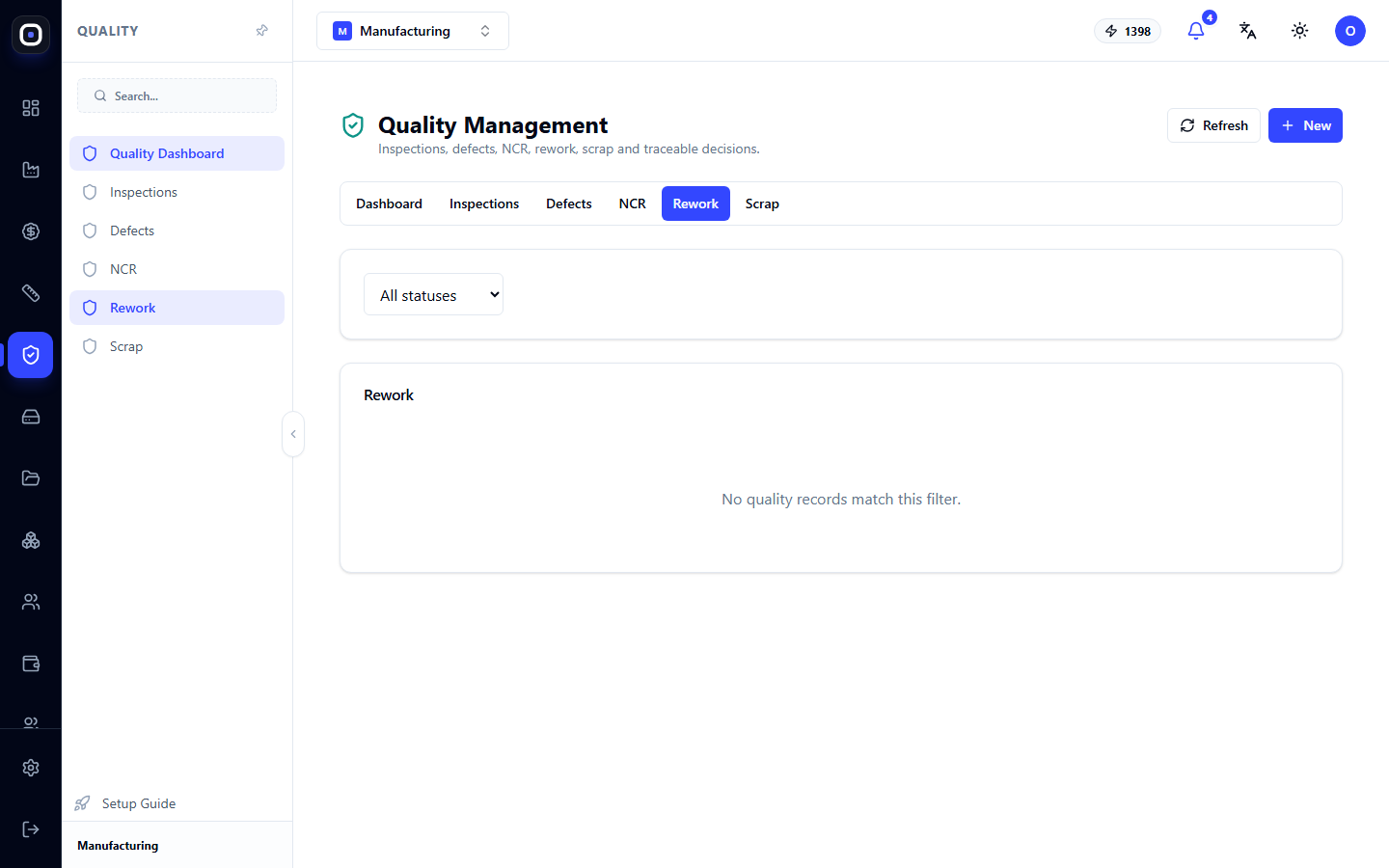
If a part can be fixed, it is sent for rework. Important: the same batch is reworked, a new one is not created. The batch gets a mark with the attempt number.
Rework goes through statuses from open to completed. After it, a re-inspection is usually required.
A batch can also be sent for rework from the foreman's panel using the To Rework button. The record will appear on this tab.
Scrap tab
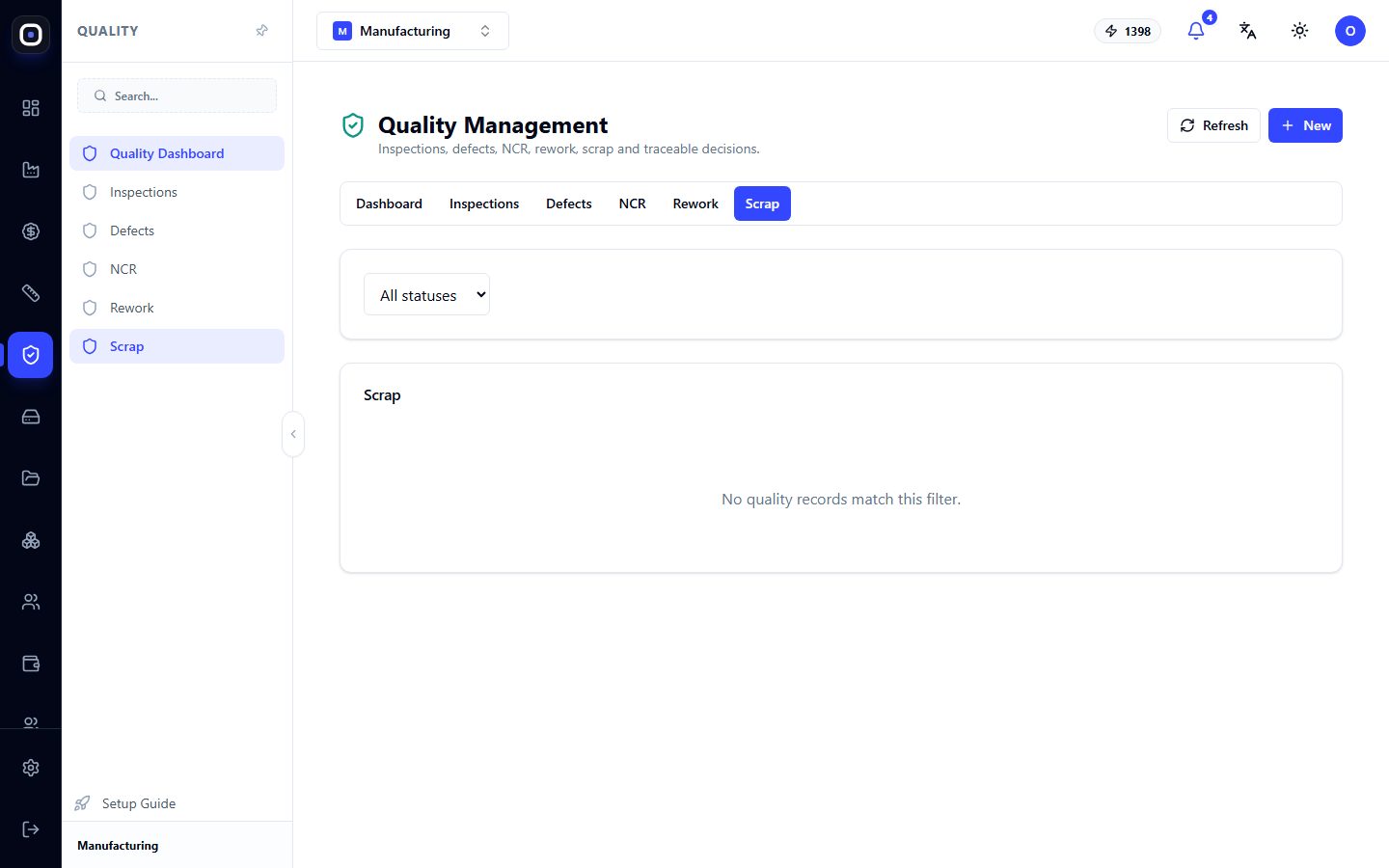
If it is impossible or uneconomical to fix, the part is scrapped. Scrapping happens in two steps:
- someone proposes scrap: describes what to scrap and why;
- an authorized person approves.
Two steps are needed so that scrapping is not a unilateral decision. Material and labor cost money, and two people should be behind every write-off.
After approval, the unit is removed, and the foreman on their panel sees how many pieces need to be replaced and initiates the replacement using the Replace Scrap button.
Filter by status
On each working tab, there is an "All statuses" list. It filters records by a single status. Daily, it's worth looking only at open ones, and once a month — at all, to see the overall picture.
Typical workflow for a quality controller
- Open Quality and look at the dashboard.
- Go to Inspections and perform the open ones.
- If a problem is found, record a defect.
- For a serious problem, document a non-conformity and propose a resolution.
- Depending on the resolution, create rework or propose scrap.
- After rework, perform a re-inspection.
- Close the non-conformity.
Frequently Asked Questions
Inspection does not appear after an operation
The routing step does not have the "Quality control required" mark. Add it to the routing.
How does a defect differ from a non-conformity?
A defect is an observation: "there's a scratch here." A non-conformity is an issue that requires a resolution: "the batch does not conform to the drawing, what should be done with it?"
The "Scrap Awaiting Approval" tile has not been zero for a long time
Someone proposed scrapping, but there's no one to approve it. Check who has the right to approve and ask that person to review the "Scrap" tab.
A unit was scrapped. How do I make a new one?
On the foreman's panel, click Replace Scrap. A batch will be created for exactly the scrapped pieces.
Can an accidentally created defect be deleted?
Quality records are not deleted; they are closed with an explanation. This preserves a complete history.