Oprela Manufacturing alongside your ERP: Complement, not replace
If accounting, sales, or inventory are already managed in another ERP, Oprela handles technology, costing, and the shop floor. How ERP connectors, CSV and Excel order import, and pre-launch verification work.
Many factories already have an ERP: it manages sales, inventory, accounting, and no one wants to migrate from it. But this ERP is usually weak where make-to-order manufacturing is most complex: technology, cost calculation from the model, nesting, shop floor operations, traceability.
Oprela Manufacturing can be used alongside your system, not instead of it.
Division of Responsibilities
A typical division looks like this:
- Your ERP: customers, sales, invoices, accounting, general inventory.
- Oprela Manufacturing: cost estimation, model and BOM (Bill of Materials), routings, nesting, shop floor planning, labor tracking, quality, actual time and costs.
You decide where the line is drawn. You can start with the shop floor and technology, and move manufacturing sales later or not at all.
How Orders Get into Oprela
ERP Connectors. Oprela has a connector for Microsoft Dynamics 365 Business Central and a file connector for CSV and Excel, which is suitable for almost any system that can export tables.
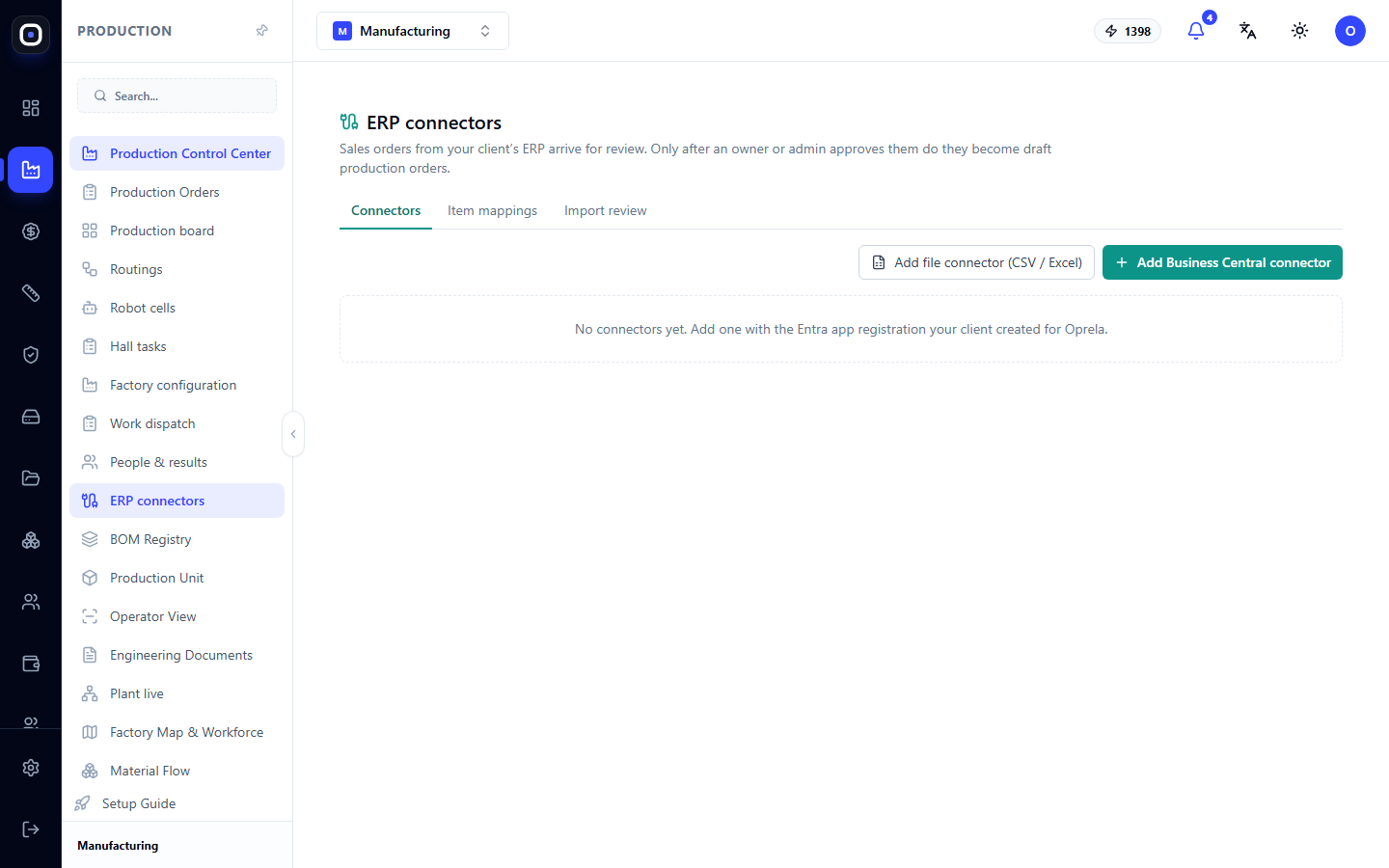
Verification First. Imported orders do not go directly to the shop floor. They arrive for review, where you can see what will be created. Only after human approval do they become draft production orders. An error in the source system will not turn into an error on the shop floor.
Item Mapping. Your ERP's SKUs are mapped to items in Oprela once; after that, the mapping works automatically.
Changes After Approval. If a customer changes an order in the source system, Oprela will show the difference instead of silently overwriting the work order.
API and Webhooks
For deeper integration, Oprela has an API and webhooks: your ERP can receive production statuses, actual costs, and order readiness. Automation scenarios help connect events without programming.
Why This Is Better Than "Everything in One ERP"
- Fast Implementation. No need to migrate accounting or retrain accounting staff.
- Best Tool for Each Task. Accounting remains where it's set up, manufacturing gets a specialized system.
- Lower Risk. If something goes wrong, accounting continues to function.
When to Move More to Oprela
If your ERP is used only for simple sales and inventory, and manufacturing is your core business, it's often simpler to manage everything in Oprela: orders, inventory, documents, finances, and the shop floor on a single dataset. This is done gradually, without a "big migration."