From Request to Quote in Hours, Not Days
Why manufacturers take so long to respond to clients and how Oprela shortens this path: preliminary estimate from a photo, accurate estimate from a model, your method of calculating prices, and a quote with 3D via a link.
Ask any manufacturing manager how long it takes to respond to the request "how much will 50 of these racks cost." The honest answer is usually two days to a week. Not because people are slow, but because the price goes through several hands.
Where Time Disappears
- The manager receives a photo and forwards it to the technologist.
- The technologist figures out the design, calculates parts and materials.
- Someone checks current material prices.
- Someone estimates labor time "from experience."
- The manager compiles this into a spreadsheet, adds margin, and creates a PDF.
Each step waits for an available person. And each step is a place for error.
How This Path Looks in Oprela
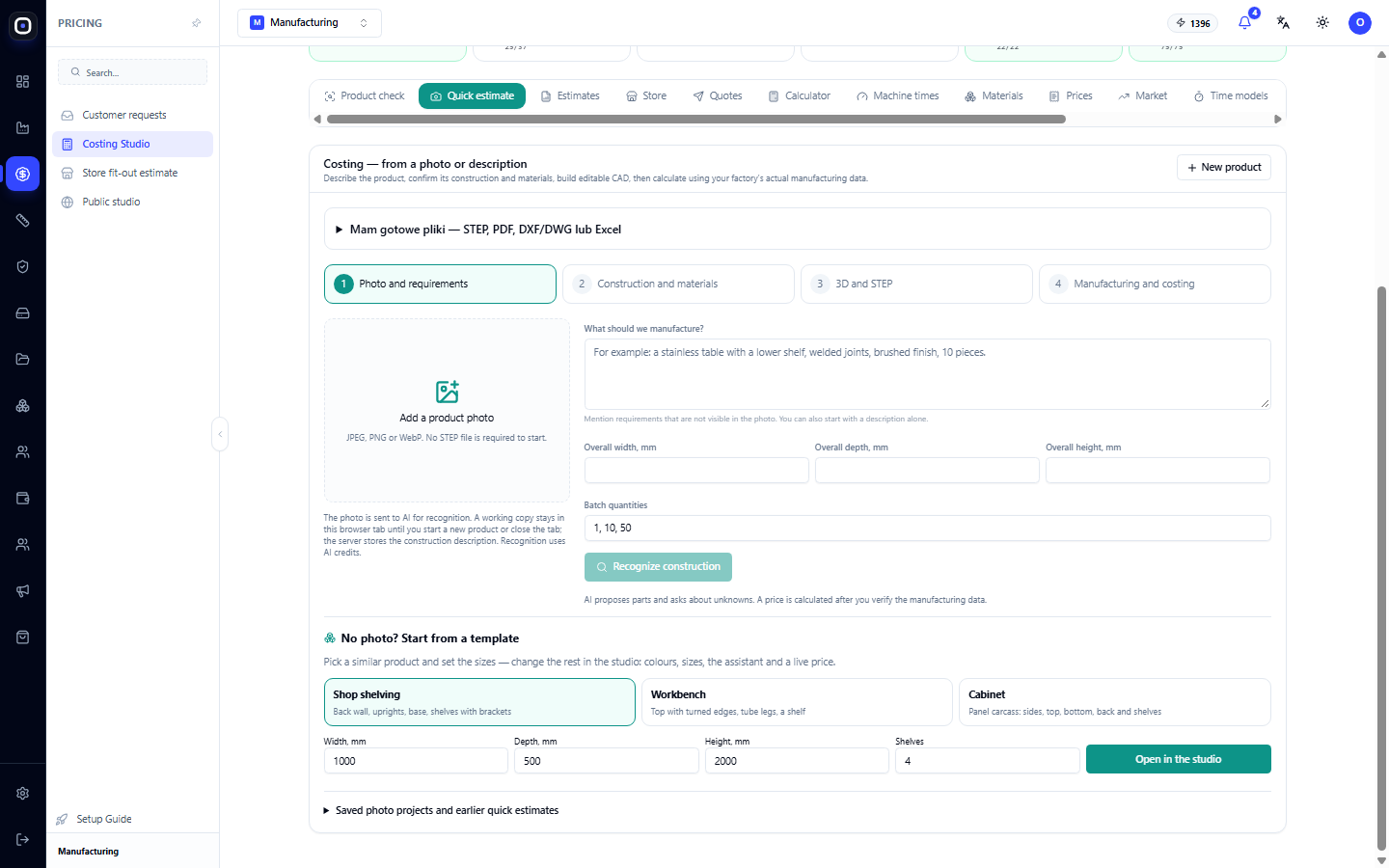
Step 1. Preliminary estimate in minutes. From the client's photo or description, the assistant suggests a design, you confirm materials and dimensions, and the system calculates the cost. This is enough for the client to get an estimate the same day.
Step 2. Accurate estimate from a model. When a STEP model is available, the system automatically breaks it down into parts, identifies materials and profiles, and calculates operation times based on geometry. The technologist reviews, rather than calculates from scratch.
Step 3. Your pricing logic. The price is calculated from your data: material prices from Costing Studio, machine and labor rates, overheads, margin. If you have your own spreadsheet that the factory has used for years, its logic is transferred to the Factory Calculator.
Step 4. Review before sending. Manufacturing Advisor shows what the price consists of, how reliable the data is (e.g., whether material prices are up-to-date), and whether the estimate is ready for a client quote.
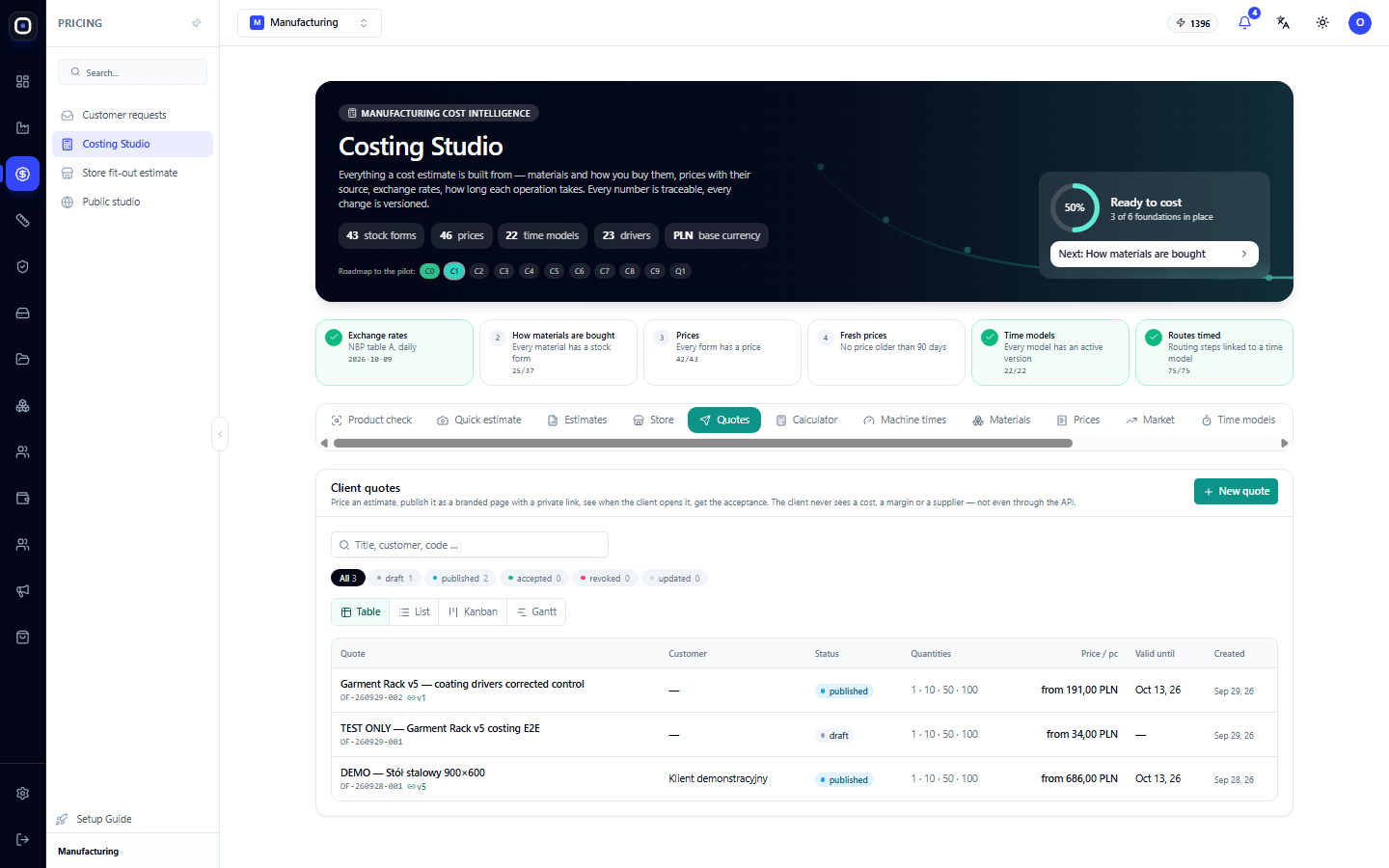
Step 5. Quote via link. The client receives a page with the price, quantities, options, and a 3D view. You see when they opened it.
Why Speed Doesn't Harm Accuracy
Speed is achieved not by simplification, but by the system already knowing your factory: materials, machines, routes, rates. The more data entered, the more accurate even the preliminary estimate. And comparing the estimate with actuals after order fulfillment gradually makes it even more accurate.
What This Gives Your Business
- More won orders. The first clear quote often wins.
- Fewer unprofitable orders. The price is calculated from real data, not "by eye."
- Sales scalability. Managers can process more requests without additional technologists.
- Independence from one person. The system calculates the price according to factory rules.
How to Get Started
- Fill in the prices of main materials and rates in Costing Studio.
- Configure machine times for key machines.
- Make a quick estimate for several products whose prices you already know, and compare.
- When you are satisfied with the result, send quotes to clients.